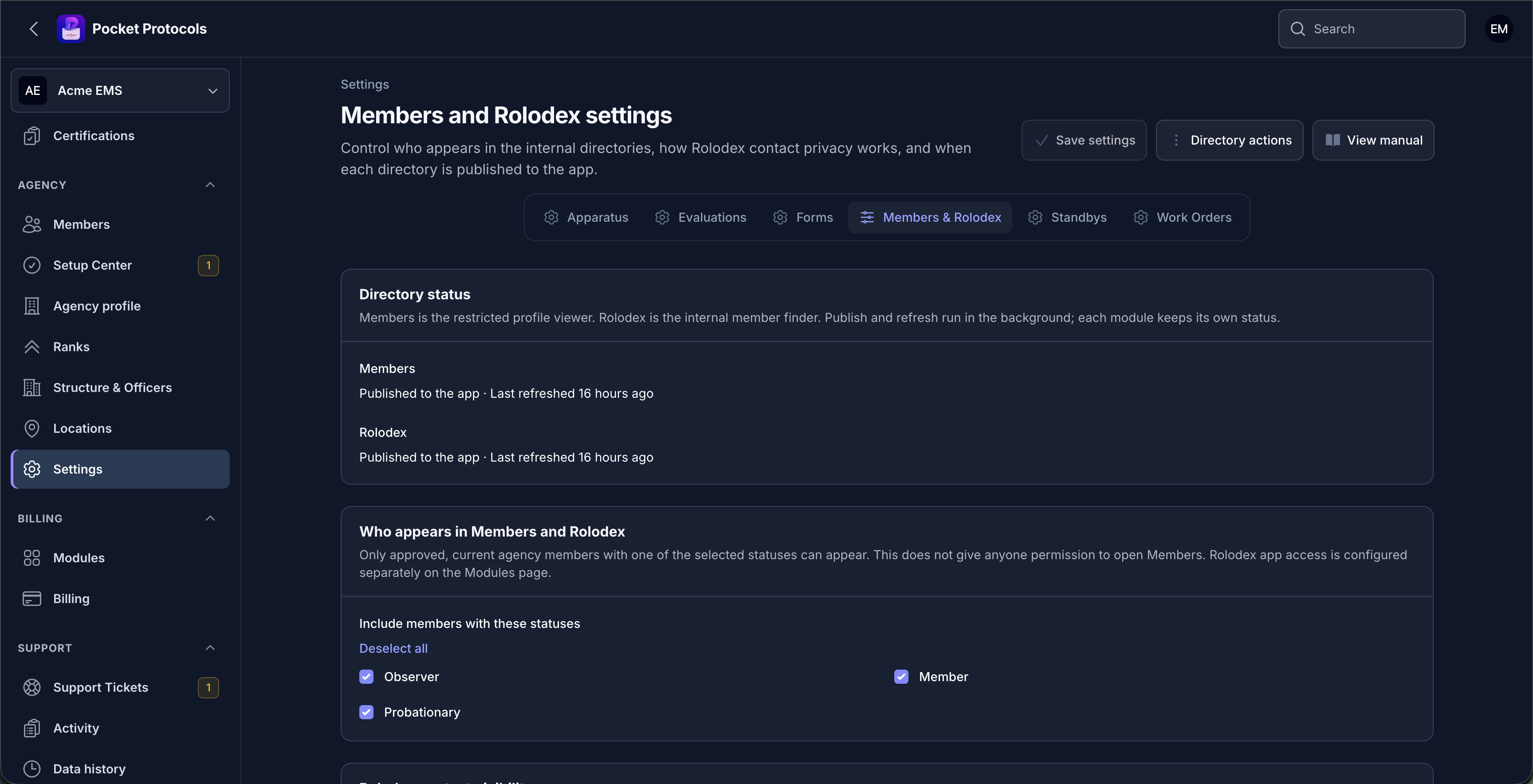
Manage the complete workflow.
- Choose which approved, current membership statuses appear when the agency publishes or refreshes its directories
- Control Rolodex app access separately from directory eligibility and disable Rolodex without changing restricted Members access
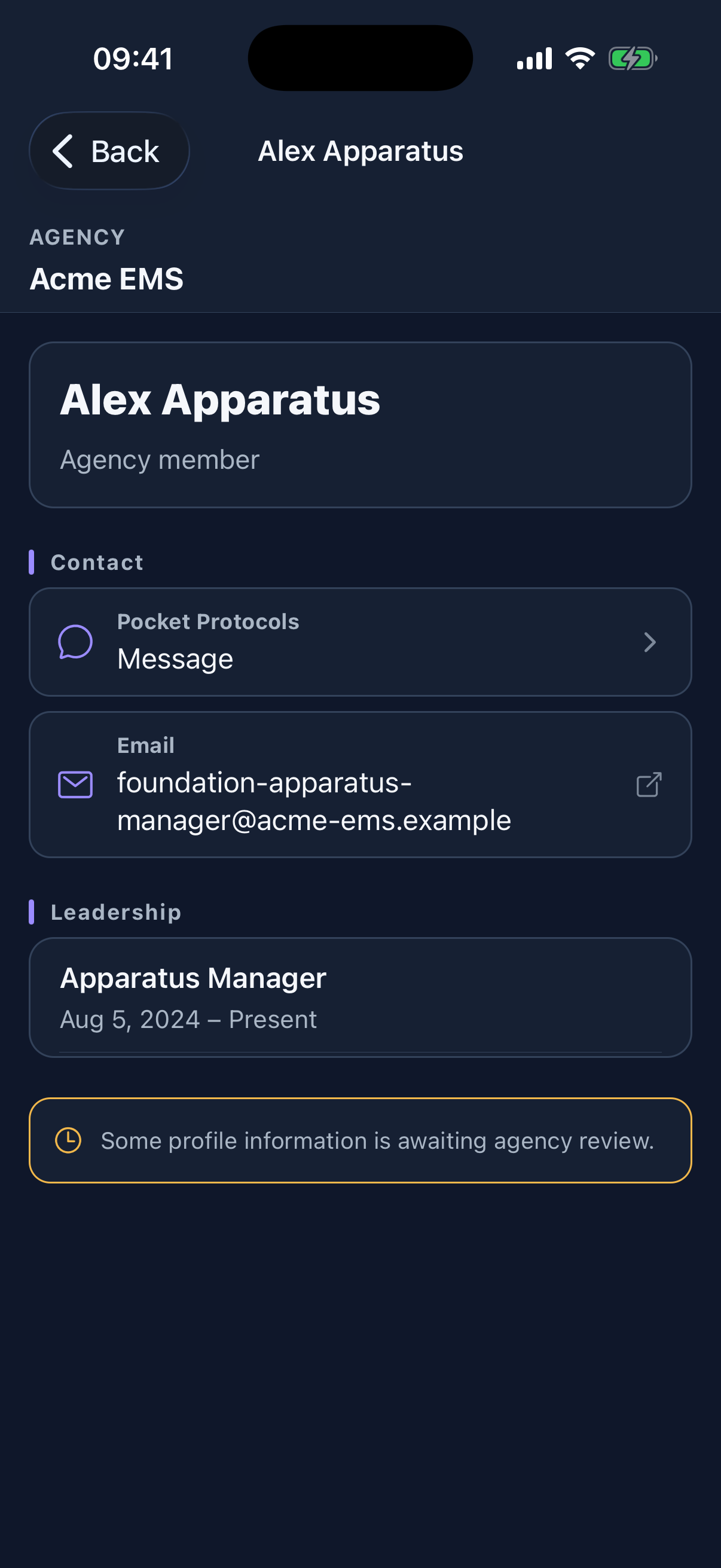
- Set the agency ceiling and default for directory email and phone visibility
- Let each member show or hide their own agency-owned email address and phone number when agency policy allows it
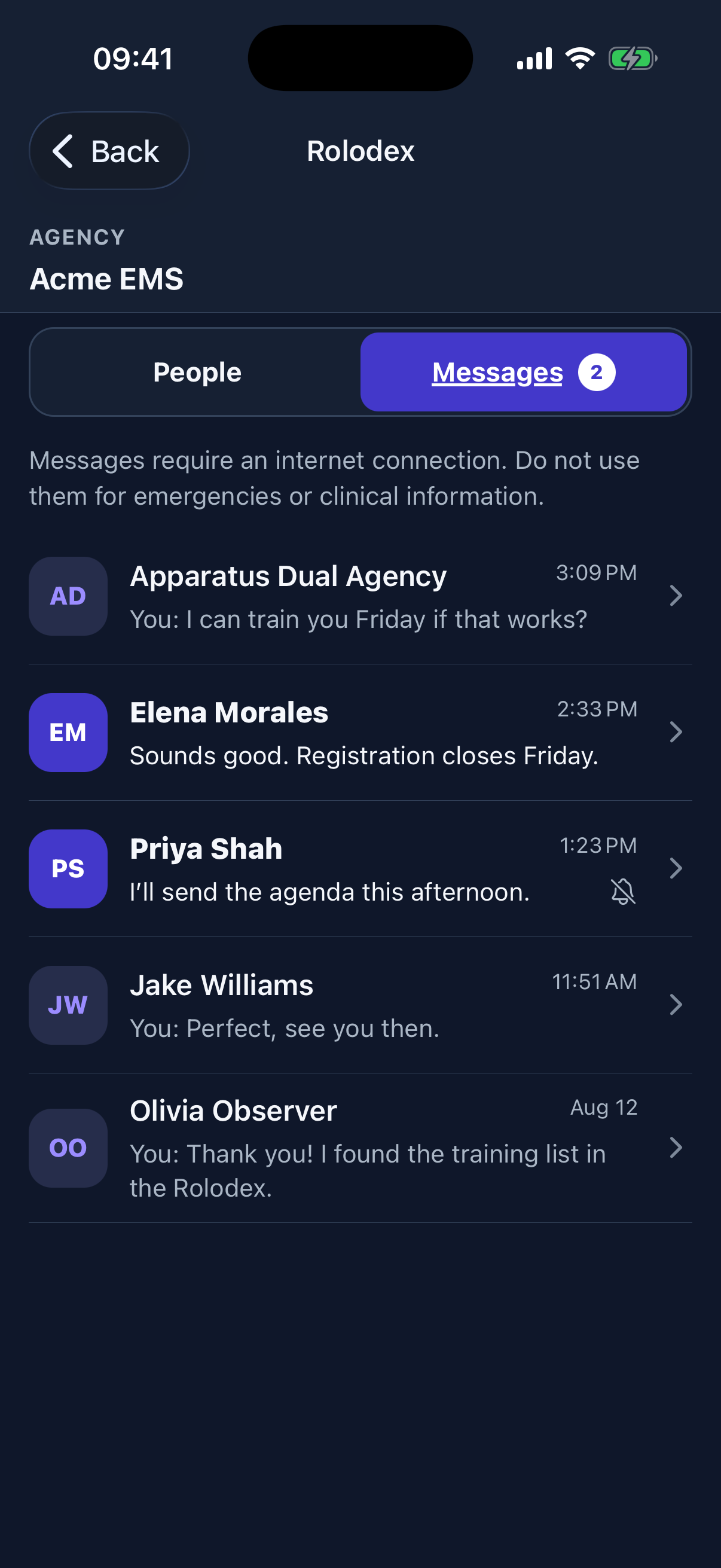
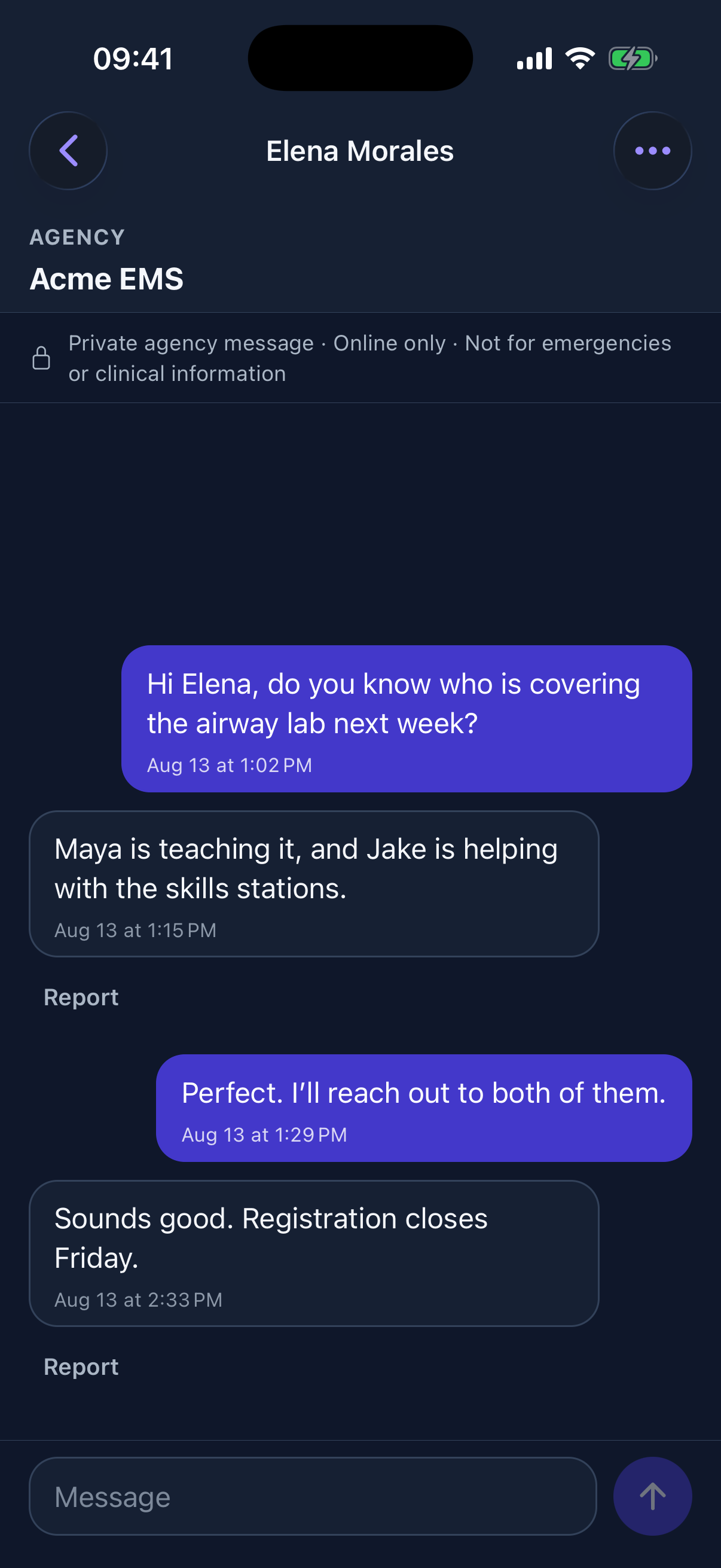
- Enable or disable one-to-one messaging, choose message retention, and require an authorized moderator before messaging goes live
- Keep login emails, personal contact data, hidden values, internal notes, and historical records out of Rolodex
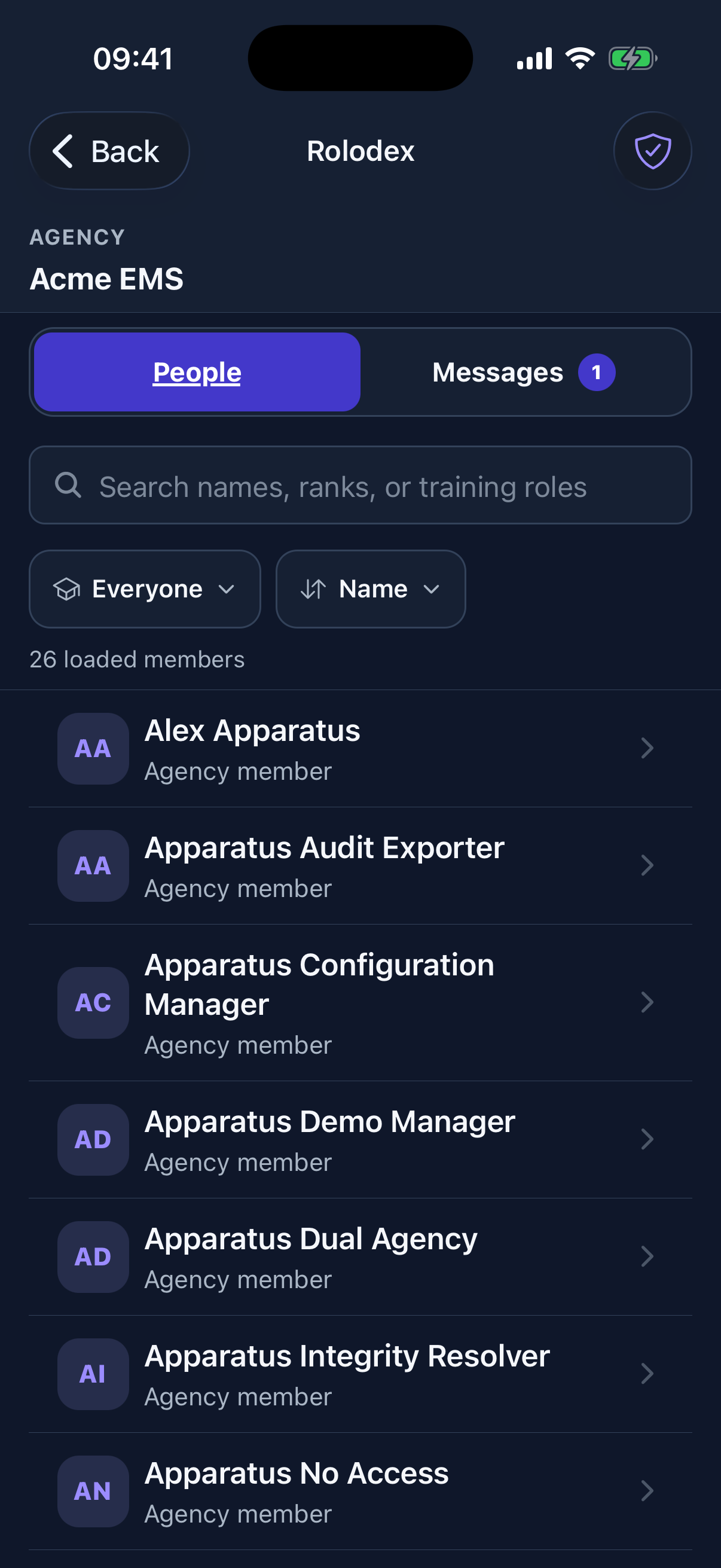
- Search by name, rank, assignment, qualification, officer position, training role, discipline, or public committee affiliation